Profile-based Data Querying
Implementation Overview
The objective of this solution is to demonstrate AI for GRC solution that has the ability to streamline the GRC process and improve the overall efficiency of GRC workflow. To build an effective and efficient GRC system and achieve the desired outcomes for success, this solution will leverage watsonx Orchestrate to deliver these core capabilities:
- Answering questions on OpenPages Data Objects
- Answering questions on OpenPages Attachments
Integrate watsonx Orchestrate’s AI Assistant with OpenPages
In watsonx Orchestrate’s AI Assistant
- Navigate to watsonx Orchestrate’s AI Assistant’s Integrations Tab
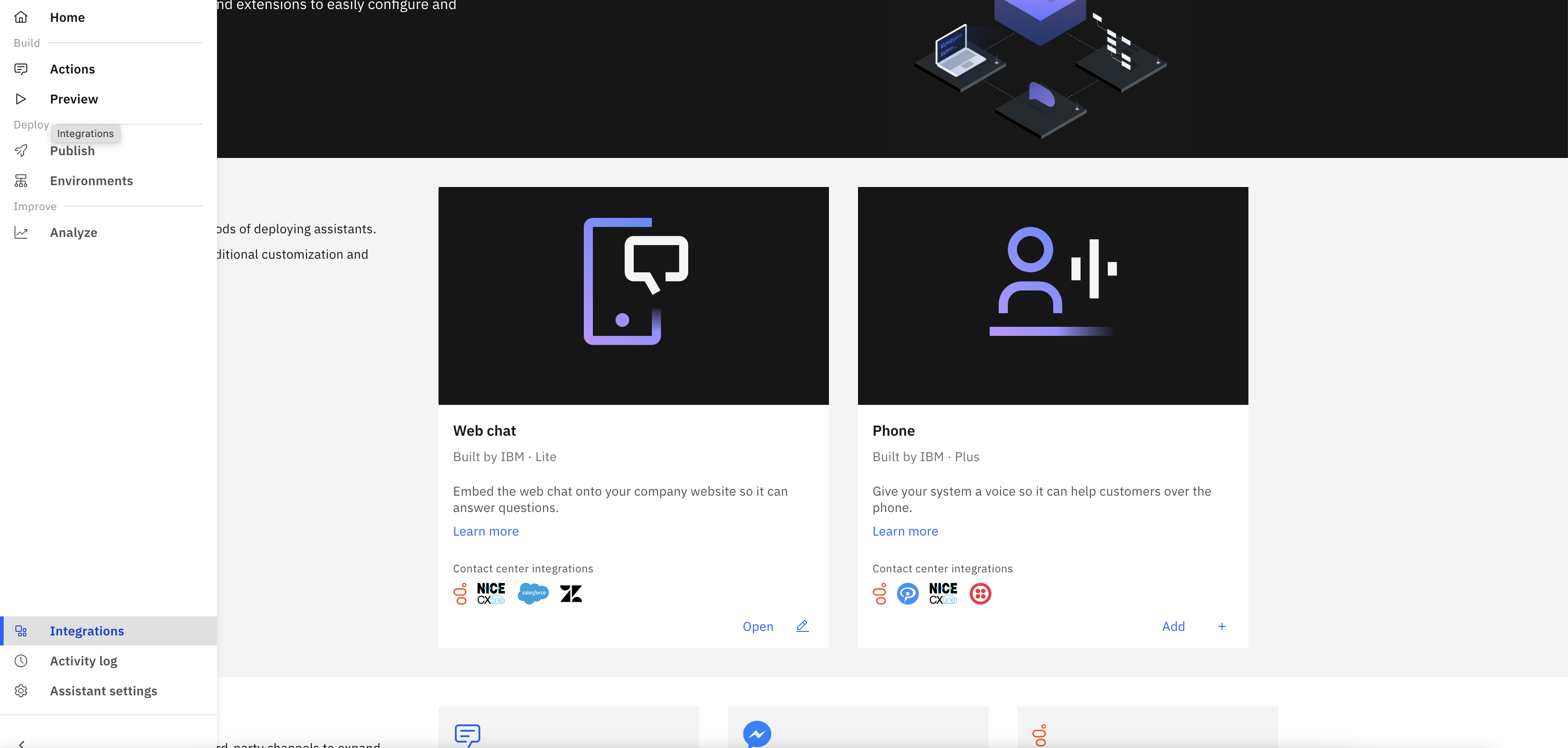
watsonx Orchestrate AI Assistant Integrations
- Find “Web chat”, click on “Open” -> choose environment, and “Confirm”
- Navigate to Embed Tab and Copy the content in the text box. (This is an example)
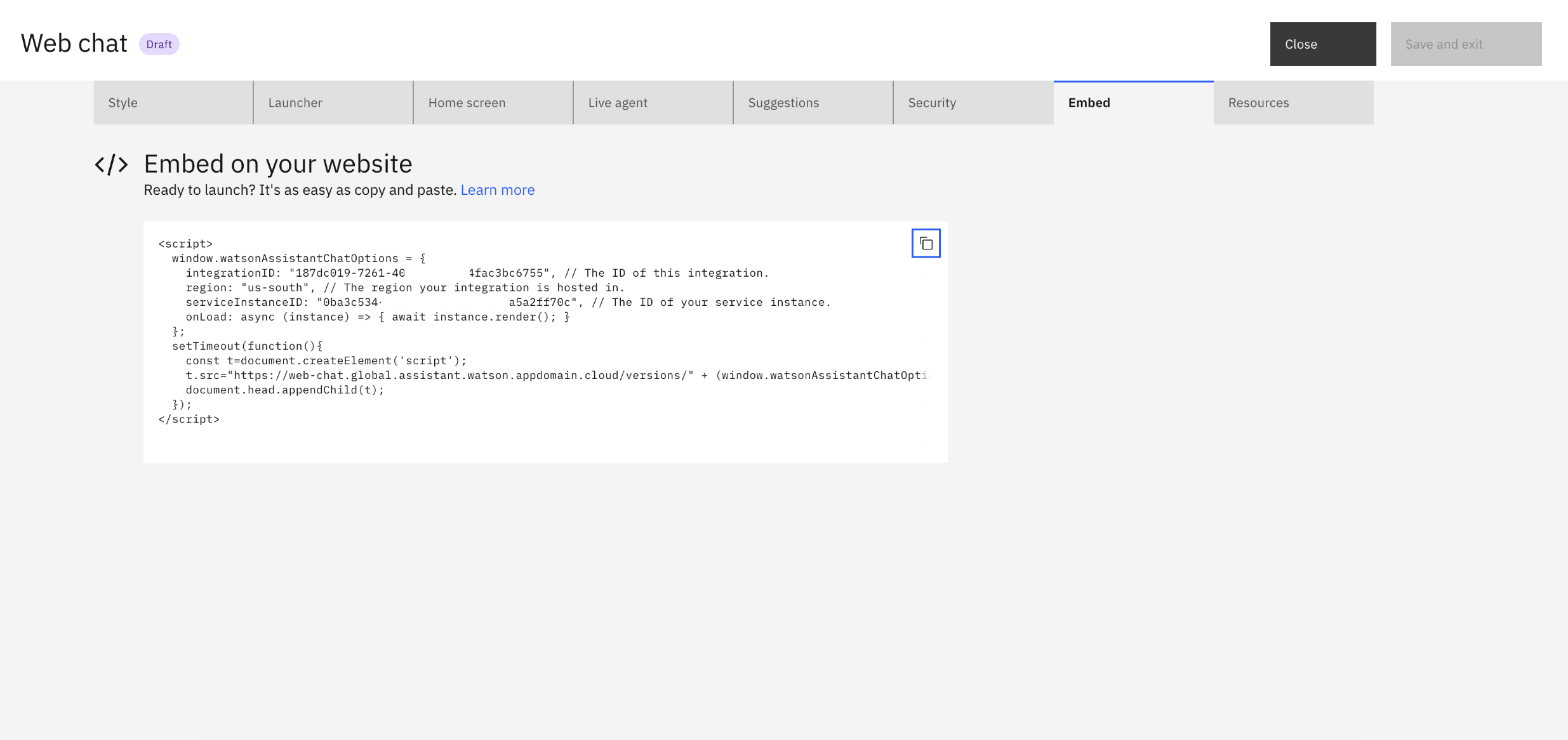
watsonx Orchestrate AI Assistant Embed Webchat
In OpenPages
- Click Administration menu > Integrations > Watson Assistant.
- Click Import Configuration (The button left of New +)
- Paste the code snippet into the Configuration string box, and then click Import.
- All good! You could now start interacting with your AI Assistant in OpenPages.
- Try logout and login if you didn’t see the AI Assistant show up in the lower right corner of OpenPages interface.